
Microsoft is not walking away from Copilot+ PCs, but its latest Windows AI direction suggests the company is no longer treating the NPU as the only doorway into local AI on Windows.
Microsoft’s Copilot+ PC push began with a very specific message: if you wanted the newest local AI experiences in Windows, you needed new hardware with a powerful neural processing unit. That made sense from a battery-life and efficiency standpoint, but it also created a strange split in the PC market.
A thin-and-light laptop with a 40+ TOPS NPU could qualify for Microsoft’s newest AI branding, while a high-end gaming desktop with a powerful NVIDIA, AMD, or Intel GPU often sat outside the official Copilot+ conversation. For everyday buyers, creators, and PC enthusiasts, that always felt a little awkward. The machine with far more raw compute was not necessarily the machine Microsoft wanted to talk about.
Now Microsoft appears to be adjusting the pitch. The company is not killing Copilot+ PCs, and the NPU still matters. But the center of gravity is shifting from one exclusive hardware label toward a broader Windows AI platform that can use NPUs, GPUs, CPUs, and local models depending on the job.
The Copilot+ PC Label Is Still Here, But It Is No Longer the Whole Story
Microsoft’s original Copilot+ PC requirements created a clean marketing line. A Copilot+ PC needed a modern processor with a dedicated NPU capable of more than 40 trillion operations per second, alongside enough memory and storage to support Microsoft’s new on-device AI features. That gave OEMs a simple badge to sell and gave Microsoft a way to push Windows into the AI PC era.
The problem is that the PC market is not simple.
Desktop users often have far stronger GPUs than the integrated NPUs found in laptops. Gamers may already own RTX 30-series, RTX 40-series, Radeon RX, or Arc systems with plenty of local acceleration. Creators may have workstations built around discrete graphics cards. Small businesses may have fleets of perfectly good Windows 11 PCs that are nowhere near ready for replacement.
By making Copilot+ the main public face of Windows AI, Microsoft risked making local AI feel like something locked behind a new laptop purchase. That is fine if the goal is to sell new PCs. It is less useful if the goal is to make Windows the default operating system for practical AI apps.
Build 2026 Points Toward a Broader Windows AI Platform
Microsoft’s Build 2026 messaging gives the company a more flexible path. Instead of only emphasizing NPU-specific Copilot+ features, Microsoft is now talking more directly about Windows AI APIs, Foundry Local, Windows ML, local small language models, and agentic workflows that can run across different types of hardware.
That matters because the hardware requirements for AI are not one-size-fits-all. Some tasks are best handled by an NPU because they need to run quietly in the background without draining battery life. Others can run on a CPU. Heavier local language and vision workloads may make more sense on a discrete GPU, especially on desktops and gaming laptops where power draw is less of a concern.
This is the practical version of Windows AI: use the right processor for the right job.
An NPU is still valuable for always-on, low-power features. A GPU is still better for heavier parallel workloads. A CPU can still handle lighter or fallback tasks. The shift is that Microsoft now appears more willing to let developers target that full range instead of treating Copilot+ hardware as the only serious local AI lane.
Why GPU Support Changes the Purchase Math
The most interesting part of this shift is what it means for people who already own powerful PCs.
A desktop with a capable graphics card may not qualify as a Copilot+ PC, but it can still be a very strong local AI machine. That opens the door for AI-powered writing tools, semantic search, summarization, transcription, coding assistants, browser features, photo tools, and small language models that run locally without requiring a brand-new laptop.
For buyers, that changes the question from “Do I need a Copilot+ PC?” to “What kind of AI work do I actually want this machine to do?”
If you want long battery life, quiet background AI, and Microsoft’s most integrated mobile features, a Copilot+ laptop still makes sense. If you already own a gaming PC or creator desktop, the smarter move may be waiting to see how quickly developers bring Windows AI features to discrete GPUs. If you are buying a new desktop, GPU memory and driver support may become just as important to local AI as the NPU badge is on laptops.
That is a much healthier buying conversation than pretending every AI feature must start with a new Copilot+ machine.
Semantic Search Is Where This Could Get Useful Fast
The most consumer-friendly example is semantic search.
Traditional file search depends heavily on names, folders, and metadata. Semantic search is different because it can find information based on meaning. Instead of remembering the exact file name, a user could search for something like “that invoice from the monitor purchase” or “notes about the router setup” and get useful results from local documents, screenshots, or app data.
This is exactly the kind of feature that could benefit from broader hardware support. It does not need to be limited to the newest AI laptop. It needs to be reliable, private, fast, and available on the systems people already use every day.
If Microsoft can make semantic search and local app intelligence work across more Windows 11 devices, AI on the PC starts to look less like a sticker on a box and more like an actual operating system upgrade.
Browser and App-Level AI Could Become the Real Battleground
The other major implication is browser and app integration.
Microsoft does not need every AI task to live inside a giant Copilot window. The better version is quieter and more useful: a browser that can summarize local pages, a notes app that can organize research, a photo app that can improve images on-device, a file explorer that understands meaning, and productivity tools that can run small models without sending every task to the cloud.
That is where system-level AI agents become important.
An agent is not just a chatbot. In Microsoft’s broader developer language, agents are increasingly becoming software helpers that can reason over context, call tools, complete steps, and work across applications. For Windows, the long-term opportunity is not simply putting Copilot everywhere. It is letting apps use local models and system-level APIs to create small, controlled, task-specific assistants.
That is also where Microsoft has to be careful. Users do not want random background AI features guessing, interrupting, or consuming system resources. The winning version of this idea needs clear permissions, visible controls, privacy boundaries, and a way to turn things off.
Copilot+ Still Has a Battery-Life Advantage
None of this makes NPUs irrelevant.
For laptops, the NPU remains a very sensible piece of hardware. Running AI tasks on a GPU can be fast, but it can also use more power. That is fine on a plugged-in desktop. It is not ideal on a thin laptop trying to last through a workday.
This is why Copilot+ PCs still have a role. They give Microsoft and OEMs a predictable target for low-power, always-available AI features. Features like live captions, image generation, background effects, local search, and other assistant-like tasks can benefit from hardware designed to run efficiently without waking the whole system.
The difference is that Copilot+ should be seen as the best mobile AI experience, not the only Windows AI experience.
This Is Good News for the Existing PC Install Base
For the broader PC market, Microsoft’s shift is encouraging because it respects the reality of Windows hardware. The Windows ecosystem is messy, powerful, fragmented, and huge. That is usually a challenge, but with AI it can also be an advantage.
Apple has a tightly controlled hardware and software stack. Qualcomm, AMD, and Intel are all pushing NPUs into modern laptops. NVIDIA has an enormous installed base of RTX GPUs. AMD has strong desktop CPUs, integrated graphics, and gaming hardware. Intel has its own CPU, GPU, and NPU roadmap.
Microsoft’s best move is not to pick only one lane. It is to make Windows the layer that can coordinate all of them.
That means a Copilot+ laptop, an RTX gaming desktop, a workstation, and a future AI mini PC could all become valid Windows AI machines, just optimized for different jobs.
What Buyers Should Take Away
For everyday buyers, the message is simple: do not buy a PC just because it has an AI sticker.
If you need a new laptop and care about battery life, a Copilot+ PC with a strong NPU is worth considering. If you already have a powerful desktop or gaming laptop, you may not need to rush into a replacement just to experiment with local AI. If you are shopping for a creator or developer machine, GPU capability, VRAM, RAM capacity, and software support may matter more than the branding badge.
The best AI PC is going to depend on the workload.
For lightweight background features, the NPU matters. For heavier local models, the GPU matters. For general compatibility and everyday use, the CPU and memory still matter. The badge on the box is only part of the story.
The Bigger Picture
Microsoft’s Windows AI strategy appears to be maturing. The company still wants Copilot+ PCs to define the premium AI laptop category, but it also needs Windows AI to reach the hardware people already own.
That is the right direction.
AI on Windows will not become mainstream because a small group of new laptops can run a few exclusive features. It will become mainstream when developers can build useful local AI into regular apps, when those apps can run across a wide range of hardware, and when users feel like the tools save time without taking control away from them.
Copilot+ may have started the AI PC branding race. But the next phase looks more like a platform shift: Windows AI everywhere the hardware can reasonably support it.
RELATED READING:
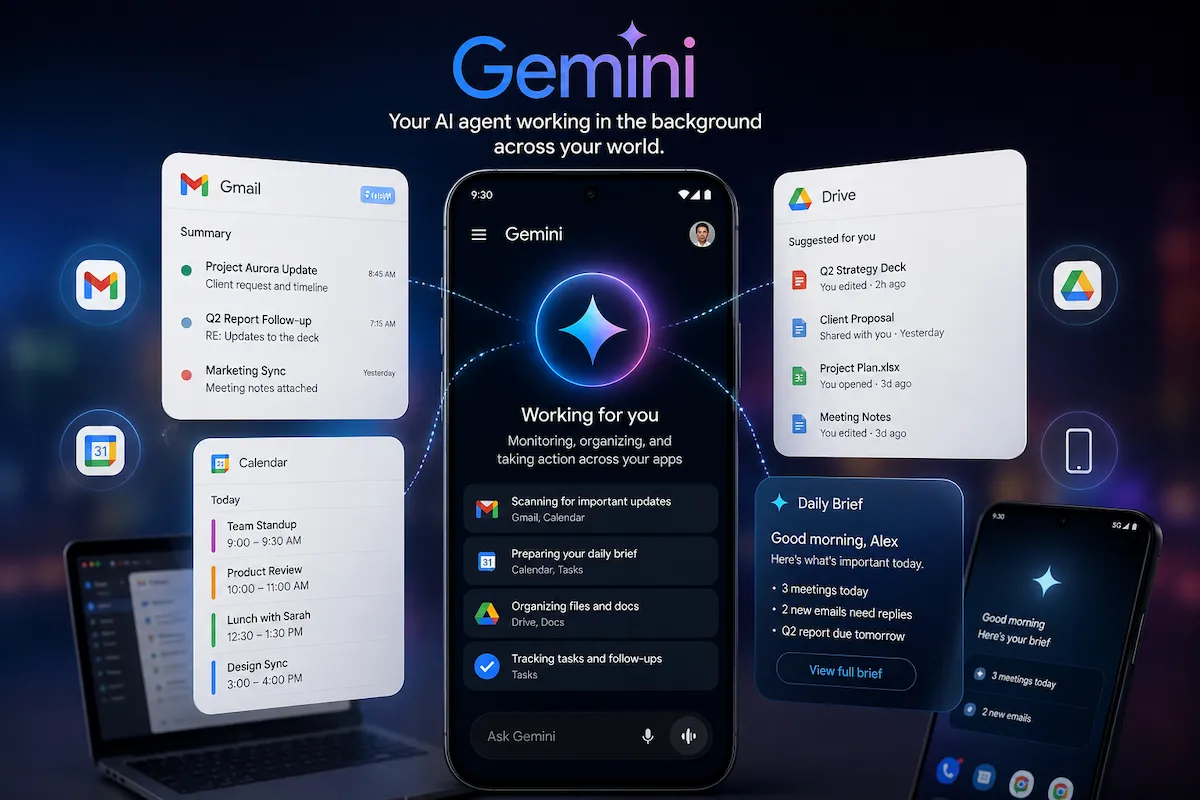 |
Google Gemini and the AI Agent Ecosystem AdvantageWhy deep ecosystem integration is giving Google a massive leg up in the race to build truly autonomous, production-ready AI agents. |
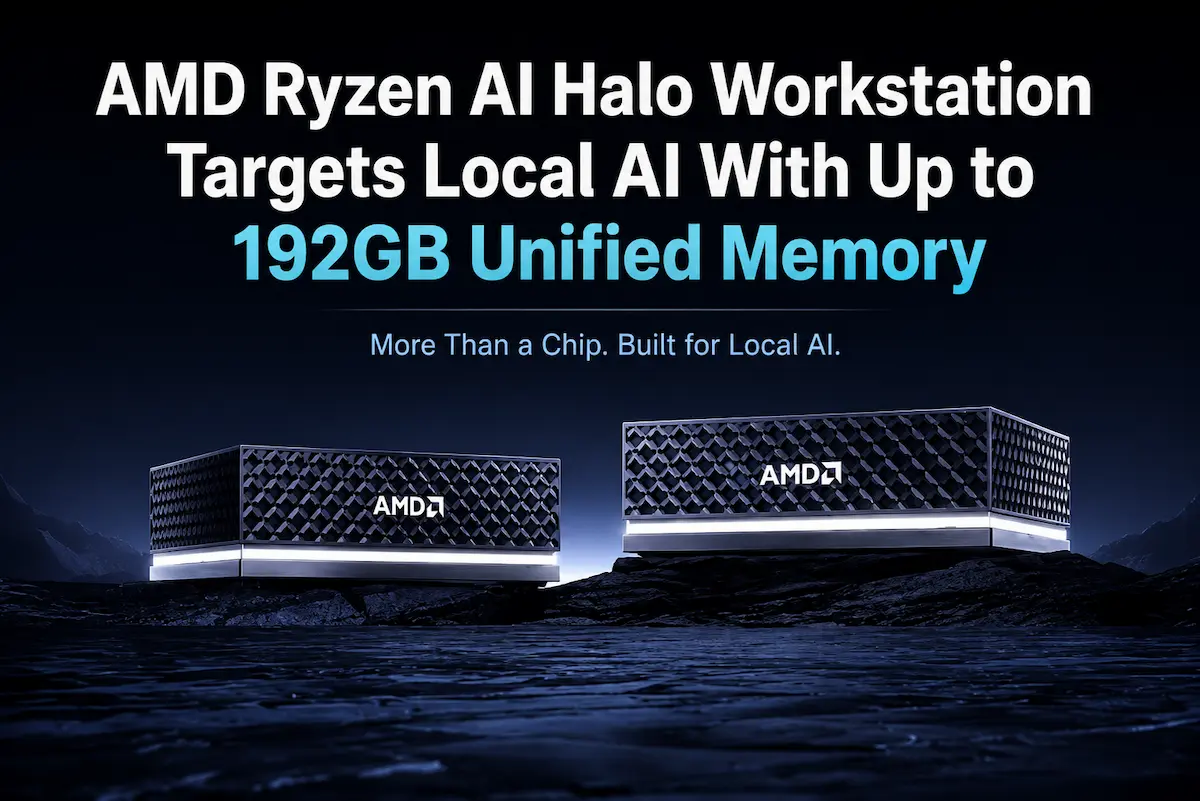 |
AMD Ryzen AI Halo and the Local AI Workstation ShiftBreaking down Strix Halo’s massive unified memory architecture and how it’s democratizing heavy LLM inferencing without the desktop footprint. |
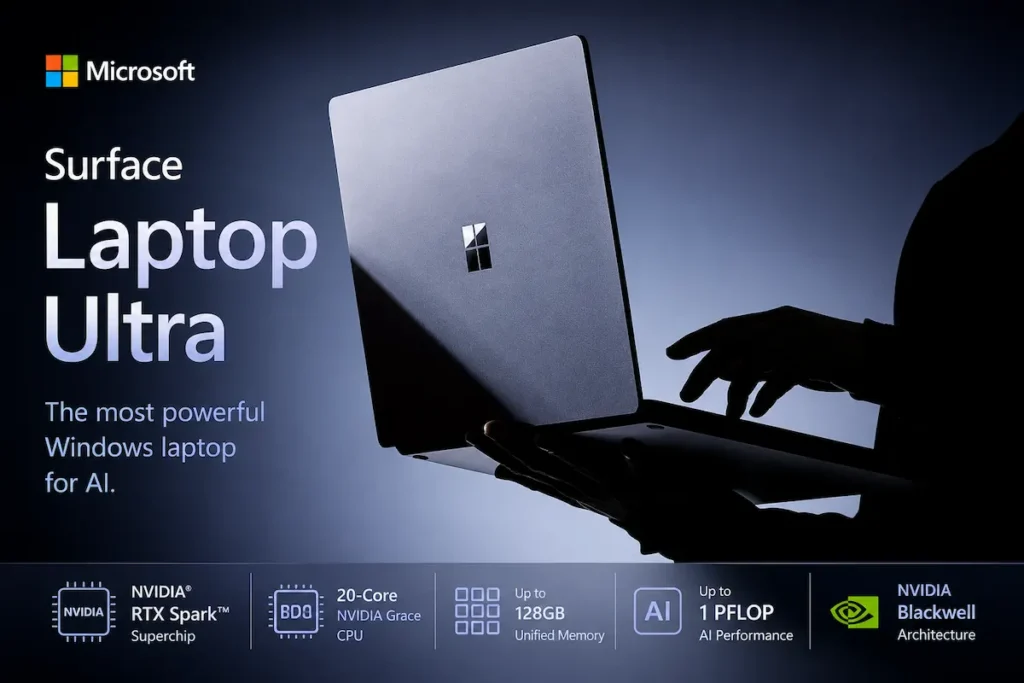 |
Microsoft Surface Laptop Ultra and NVIDIA RTX SparkA close look at how specialized, highly efficient mobile silicon configurations are rewriting the rules for on-the-go creative and developmental workloads. |