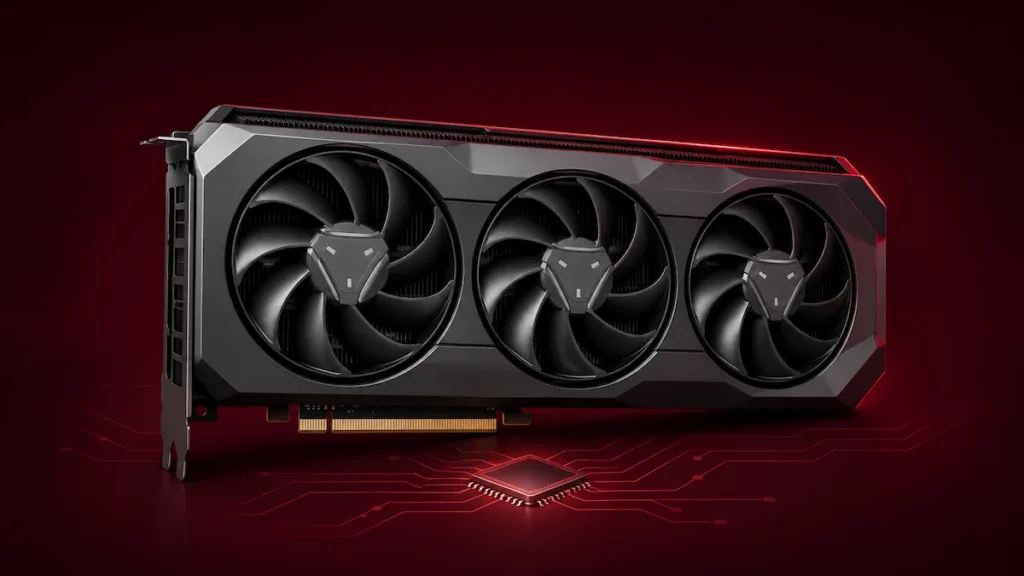
ASRock has posted ASRVBFlash 1.0.6, a revised Windows firmware updater package for select Radeon RX 7000 graphics cards. The release follows reports from Radeon RX 7900 XT and RX 7900 XTX owners whose PCs stopped booting after they ran version 1.0.5. The replacement package is dated November 6, 2026, with tech outlets first spotting the update on November 10. ASRock has yet to publish a changelog or confirm that the replacement addresses the boot failures. VideoCardz’s report on the replacement
Which ASRock Radeon RX 7000 cards are covered?
ASRock lists ASRVBFlash 1.0.6 in the individual vBIOS tabs for all 10 cards below. Each listing shows the same November 6 date, 23.4 MB file size, and SHA-256 checksum. ASRock’s central BIOS index still showed the older 1.0.5 entries on November 10, so use the vBIOS tab for your exact card to find the current download. ASRock’s central BIOS index
- Radeon RX 7900 XTX — Taichi 24GB OC, Taichi White 24GB OC, and Phantom Gaming 24GB OC
- Radeon RX 7900 XT — Phantom Gaming 20GB OC and Phantom Gaming White 20GB OC
- Radeon RX 7800 XT — Steel Legend 16GB OC and Challenger 16GB OC
- Radeon RX 7700 XT — Challenger 12GB OC
- Radeon RX 7600 XT — Steel Legend 16GB OC and Challenger 16GB OC
What failed after the 1.0.5 update?
Some RX 7900 XT and RX 7900 XTX owners said their PCs stalled during the power-on self-test (POST) after the updater restarted Windows. One RX 7900 XTX Phantom Gaming owner reported that the same PC could boot using integrated graphics once the Radeon card was removed. The cause and the number of affected cards remain unknown. Firsthand owner reports
ASRVBFlash is the Windows utility that installs the update. The VBIOS is the firmware stored on the graphics card. The 1.0.6 label identifies the download package, and ASRock has yet to say whether the replacement changes the firmware image, the flashing utility, or both. ASRock’s update instructions
What to do if your PC stopped booting
The RX 7900 XTX Taichi and Taichi White have a physical switch between Performance and Quiet BIOS modes. If the update affected only one BIOS, the other position may let the PC start. ASRock says to shut down the system before moving the switch. Taichi specifications | Taichi White specifications
If your card has a single BIOS or the alternate BIOS still leaves the PC unable to boot, contact ASRock with the exact card model, the updater version, and any motherboard diagnostic code. One owner reported that ASRock’s European support team suggested putting a working graphics card in the primary PCIe slot and moving the affected Radeon to a secondary slot. If your system can start and detect the affected card that way, ask support which firmware and recovery procedure apply to your model. Owner discussion | ASRock technical support
Before removing the cooler or trying to reflash the chip with an external programmer, ask your retailer or distributor about warranty service. ASRock’s U.S. policy says removing a warranty seal by itself leaves coverage intact. Damage caused during a DIY repair can affect a claim. ASRock’s U.S. warranty policy
Should you install ASRVBFlash 1.0.6?
AMD said in October that it was distributing Radeon RX 7000 firmware updates through board partners to address potential security vulnerabilities. Its November 10 graphics security bulletin lists Windows and Linux software releases as mitigations for RX 7000 products. The bulletin does not identify which vulnerabilities, if any, ASRock’s 1.0.6 package addresses. AMD’s October statement | AMD security bulletin AMD-SB-6028
InsightTechDaily’s take
If your card is working normally, including after a successful 1.0.5 update, we’d wait for ASRock to clarify what changed and which owners should install the replacement. Follow AMD’s driver guidance in the meantime. If ASRock recommends a firmware update for your card, download it from the BIOS tab for your exact model and follow the instructions on that page.