Featured image: The expanding choice of Arm laptops. AI-generated conceptual illustration.
Should you buy an Arm laptop in 2026? Apple’s M6 MacBook Pro, Snapdragon X2 systems and NVIDIA RTX Spark give buyers more options across productivity, creative work and local AI. Choosing between them starts with the essentials: software compatibility, realistic battery life, performance and the price of the configuration you need.
Affiliate disclosure: This article contains affiliate links. If you purchase through these links, InsightTechDaily may earn a commission at no additional cost to you.
Has Arm taken over the laptop market?
A wave of product announcements cannot establish market dominance. That would require shipment or sales data covering the broader laptop market. What these launches do establish is a wider range of products competing for buyers who previously might have considered only a MacBook or a conventional Windows laptop.
It also helps to understand what the label means. Arm is a processor architecture implemented through different chip designs, rather than a single processor shared by every manufacturer. As Arm’s architecture overview explains, implementations can target different combinations of performance, power consumption and size.
For shoppers, that means “Arm-based” is the beginning of a comparison. It cannot tell you whether a particular laptop has the graphics performance, software support, cooling or value you need.
The useful question is whether the newest machines offer enough practical advantages to make switching worthwhile.
Apple’s M6 MacBook Pro: another reason to consider the Mac
Apple announced the 14-inch MacBook Pro with M6 on October 27. It starts at $1,999 in the United States, with availability beginning November 6, 2026.
The company lists a 12-core CPU, 12-core GPU and 16GB of starting unified memory, configurable to 32GB. Apple claims up to 30 percent faster graphics than M5 and up to 24 hours of battery life. Those are manufacturer figures, rather than results from a common test against the Windows laptops discussed here.
For a prospective buyer, the first decision remains macOS. Check the applications, extensions and workplace requirements you depend on before comparing hardware. A faster processor cannot resolve a missing application or an unsupported workflow.
Existing Mac owners should also identify what their current computer struggles with. A new generation is a reason to reassess an upgrade, rather than an automatic reason to buy one.
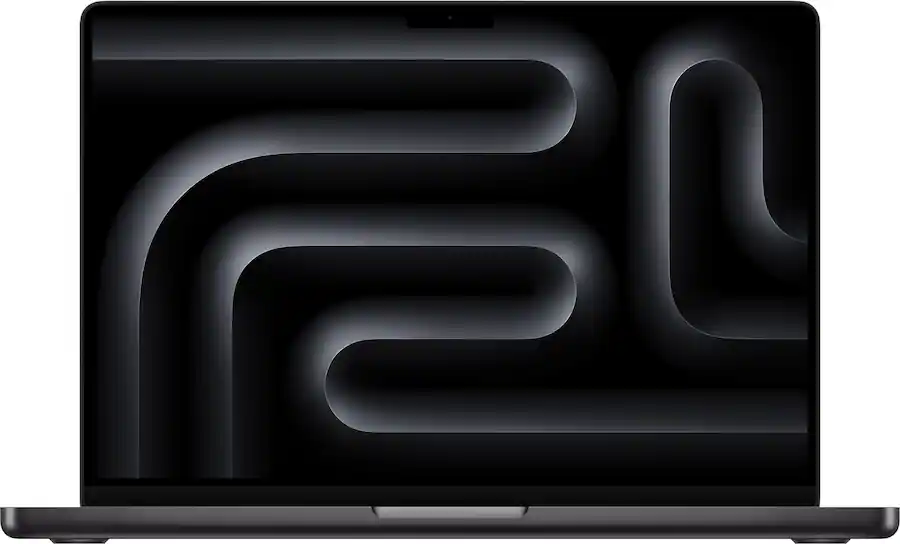
The 14-inch MacBook Pro with the M6 chip brings incredible speed and powerful on-device AI to personal, professional, and creative tasks. With all-day battery life, ultrafast storage, and a breathtaking Liquid Retina XDR display, it’s pro in every way.
Snapdragon X2 gives Windows buyers more to consider
Qualcomm’s Snapdragon X2 Elite and X2 Elite Extreme belong in this discussion, although their announcement predates the latest Apple and NVIDIA launches. Qualcomm introduced them in September 2025, targeting devices in the first half of 2026.
The platforms use third-generation Oryon CPUs and feature an 80-TOPS neural processing unit. Qualcomm emphasizes performance, efficiency and extended battery life, but its claims should be evaluated against tests of the actual laptop being considered.
There are concrete systems to compare. ASUS lists the Zenbook A16 with Snapdragon X2 Elite Extreme and the Zenbook A14 with Snapdragon X2 Elite. Its published battery figures also illustrate why the workload matters: the A16’s advertised video-playback endurance is substantially higher than its advertised web-browsing endurance.
A shopper spending the day in video meetings should therefore look for meeting-heavy battery testing. Someone compiling code needs sustained performance results. Neither buyer gets a reliable answer from the processor name alone.
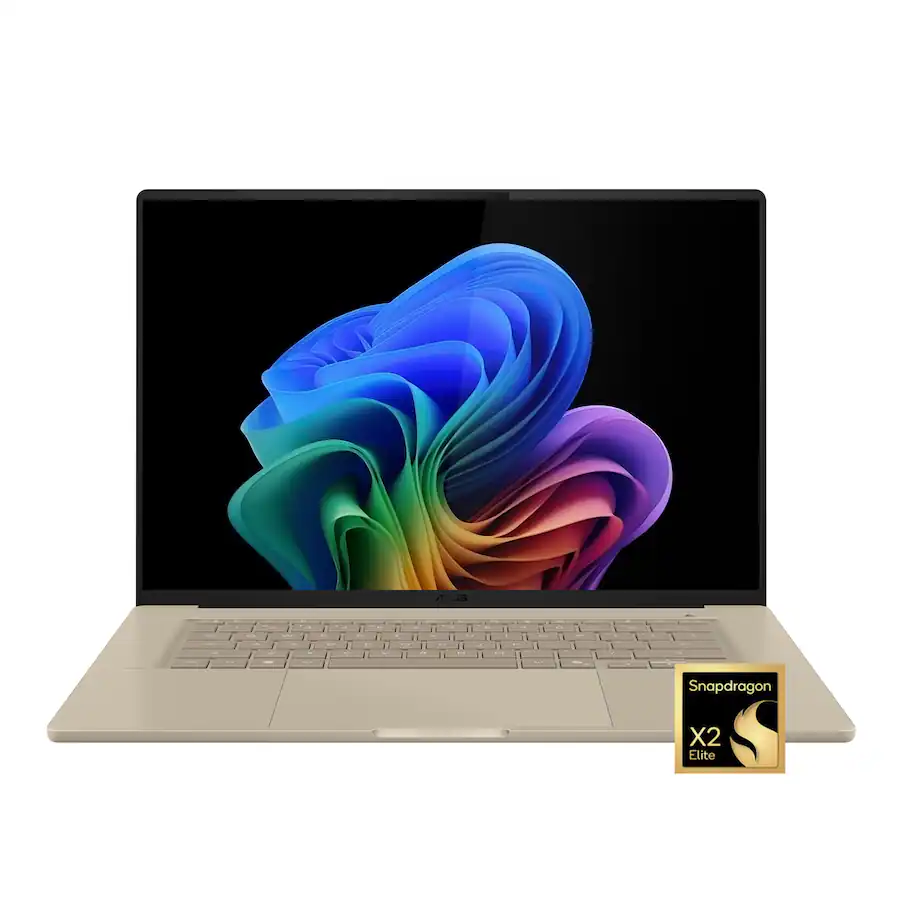
A lightweight ultrabook featuring a 16-inch 3K OLED touchscreen display and Snapdragon X2 Elite Extreme processor with AI acceleration capabilities.
NVIDIA RTX Spark broadens the Windows on Arm pitch
NVIDIA announced RTX Spark laptop availability on October 16, with systems from ASUS, Dell, HP, Lenovo, Microsoft and MSI starting at $2,599.
The platform combines an NVIDIA Grace CPU with Blackwell RTX graphics and up to 128GB of unified memory. NVIDIA also advertises native CUDA support, bringing its GPU computing tools into this Windows on Arm offering.
For buyers working with local AI models or demanding creative projects, the memory capacity and software support deserve attention. They also need careful configuration checks: “up to 128GB” describes the platform ceiling, rather than the specification of every starting-price machine.
NVIDIA says native Photoshop and Premiere support arrives through launch-day beta releases. Professional buyers should check whether their production workflow can use those versions.
The broader implication is a more varied shopping decision. Arm-based Windows machines now need to be assessed across different graphics and software capabilities, rather than treated as one uniform category.
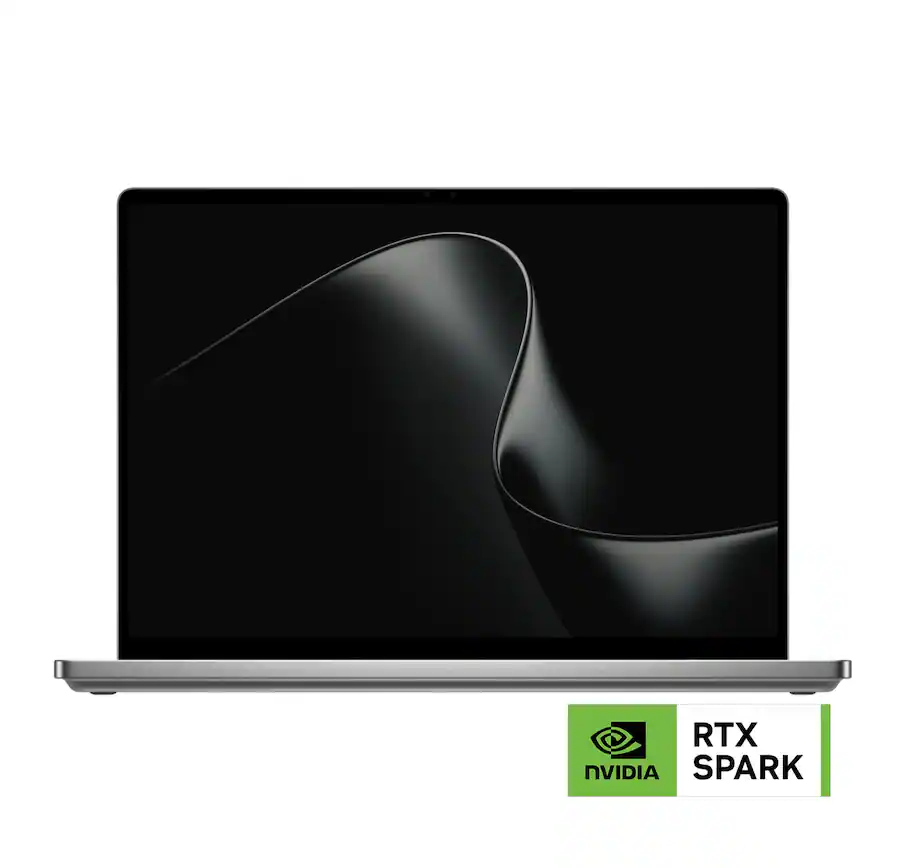
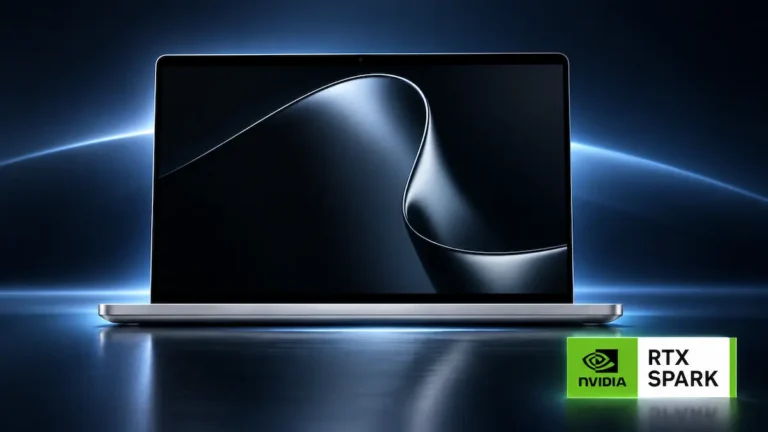
A high-performance Windows laptop featuring an NVIDIA RTX Spark superchip with 18-core CPU and 24GB memory, designed for AI workloads and creative professionals.
Software compatibility still comes before specifications
Microsoft’s Windows on Arm guidance lists native versions of applications including Microsoft 365, Chrome, Slack, Spotify and Zoom. Windows 11 also uses Prism emulation to run applications that were built for other processor architectures.
However, Microsoft says hardware and software drivers must support Arm. It also warns that some games can fail when their anti-cheat drivers lack the necessary support.
Before buying, check the full workflow:
- Work software: Confirm support for required applications, plug-ins, security tools and company access software.
- Accessories: Verify the exact printer, audio interface, scanner or specialist device you use.
- Games: Check individual titles and their anti-cheat requirements.
- Development: Verify dependencies, tools and any required virtual environments.
A laptop can run your main application successfully and still fail a task because one essential component is missing. Treat compatibility as a purchase requirement, especially when the machine earns your living.
Why This Matters
These launches give buyers more combinations of operating system, portability, graphics and local computing capability to evaluate. That is useful competition, even without declaring an architectural winner.
It also makes headline comparisons less helpful. Battery claims measured under different conditions do not establish which machine lasts longest. An AI performance figure does not tell you how quickly your chosen application completes a task. Starting prices mean little until memory, storage and other requirements are matched.
ITD Insight
Our assessment is that Arm’s growing variety makes the architecture a less useful buying shortcut. As the choices expand, the strongest recommendation will increasingly depend on the complete laptop and its supported workflow, with the processor architecture serving as one compatibility consideration.
Who should put an Arm laptop on their shortlist?
Students and mobile workers should compare machines using their everyday applications, realistic battery tests, weight and total price. A laptop that comfortably handles lectures, documents and calls may be a better purchase than one with a higher benchmark score and a less suitable design.
Creators and developers should begin with a representative project. Check export times, responsiveness, memory requirements and every required extension. For local AI, test the model and software stack you intend to use rather than shopping by the largest advertised compute figure.
Gamers and users of specialist equipment should make verified support a deciding factor. Where support is missing, choose a system that already handles the required workload.
Bottom Line
Your next laptop could reasonably be Arm-based. These launches provide several routes to consider, but none makes the architecture itself a guarantee of better value.
Build your shortlist around software support, measured performance, realistic endurance and the price of the configuration you need. The laptop that passes those checks deserves your money, whatever processor architecture it uses.