DDR5 Explained: Speeds, Latency, Capacity – What Matters and What Doesn’t
DDR5 has been on the market long enough that it should be simple by now. Instead, it remains one of the most misunderstood components in modern PCs. Frequency numbers keep climbing, CAS latency figures look alarming, prices swing wildly, and online advice often contradicts itself.
The goal of this article isn’t to crown a single “best” RAM kit. It’s to explain what actually affects real-world performance, what mostly doesn’t, and why so much DDR5 discussion goes off the rails.
We’ll focus on three persistent sources of confusion:
- Frequency vs. CAS latency in real workloads
- Why 32GB is rapidly becoming the safe default
- When faster RAM doesn’t matter at all
Throughout, we’ll clearly separate confirmed behavior from assumptions, marketing trends, and edge cases — so decisions are based on reality, not spec chasing.
What DDR5 Actually Changed (and What It Didn’t)
DDR5 is not just “DDR4 but faster.” It introduced architectural changes that affect how memory behaves even before frequency enters the discussion.
Confirmed Improvements in DDR5
These are real design changes, not marketing claims:
- Dual 32-bit memory channels per DIMM
DDR4 uses a single 64-bit channel per module. DDR5 splits this into two independent 32-bit channels, improving parallelism and reducing wasted cycles.
- On-die ECC
Error correction inside the memory chip improves stability and manufacturing yields. This does not replace system-level ECC used in servers.
- Higher baseline bandwidth
DDR5 starts where DDR4 effectively ended. Even entry-level DDR5 matches or exceeds high-end DDR4 throughput.
- Improved power regulation
Voltage regulation moves onto the module via a PMIC, improving efficiency and signal stability — especially at higher speeds.
What Didn’t Change
- RAM is still RAM
Faster memory does not accelerate workloads that aren’t memory-bound.
- Latency still matters
DDR5 didn’t make latency irrelevant — it changed how it’s measured and perceived.
- Capacity still rules everything
No architectural improvement compensates for insufficient memory.
Frequency vs. CAS Latency: Why the Numbers Are Misleading
This is where most DDR5 confusion begins.
Why CAS Latency Looks Worse on DDR5
DDR5 kits often advertise CAS latency numbers like CL36 or CL40, which look terrible next to DDR4’s CL16 or CL18. But CAS latency is measured in clock cycles — not time.
As frequency increases, each clock cycle becomes shorter.
Real latency is calculated as:
(CAS ÷ Frequency) × 2000
Examples:
- DDR4-3200 CL16 ≈ 10.0 ns
- DDR5-5600 CL36 ≈ 12.9 ns
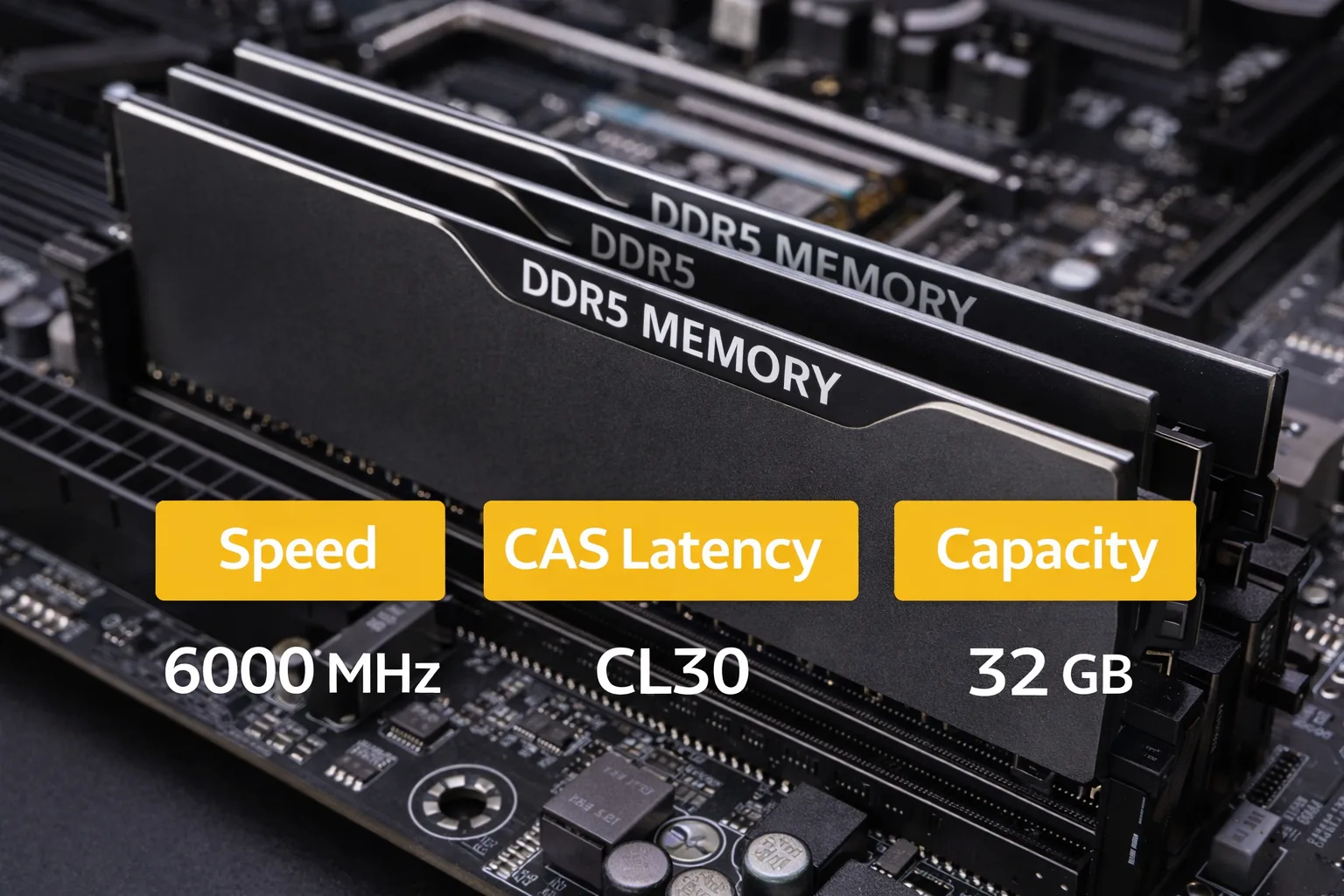
- DDR5-6000 CL30 ≈ 10.0 ns
Key takeaway:
Well-chosen DDR5 kits often match — and sometimes exceed — good DDR4 latency, despite much higher CL numbers.
Where Frequency Actually Helps
Higher memory frequency improves:
- Sustained bandwidth
- Parallel access efficiency
- Integrated GPU performance
- Some content-creation workloads
- Certain CPU-limited gaming scenarios
But the gains are non-linear.
Moving from DDR5-4800 to DDR5-5600 often shows measurable improvement. Moving from DDR5-6000 to DDR5-7200 usually doesn’t — outside of benchmarks.
| Metric | Example | Real-World Impact |
|---|---|---|
| Latency (ns) | DDR5-6000 ≈ 10.0 | Similar to good DDR4 |
| Bandwidth | DDR5-5600 ↑ | Better sustained throughput |
| Capacity | 32GB | Reduces paging & lag |
Real-World Impact: Gaming, Productivity, and Everyday Use
Gaming Performance
Confirmed behavior across modern platforms:
- Most games are not memory-bandwidth bound
- CPU cache and GPU performance dominate
- RAM speed differences often fall within margin of error
Where RAM can matter:
- CPU-limited gaming (low resolution, high refresh rates)
- Simulation-heavy titles
- Strategy and MMO games with large state data
- Integrated graphics systems
In these cases, DDR5-5600 to DDR5-6000 captures nearly all available benefit. Faster kits may slightly improve 1% lows — rarely enough to justify the cost.
Content Creation and Professional Workloads
Memory speed matters more when:
- Working with large datasets
- Running multiple virtual machines
- Compiling large codebases
- Heavy multitasking under sustained load
Even here, capacity matters more than speed. A slower 64GB kit will outperform a faster 32GB kit once memory pressure appears.
Everyday Use
Web browsing, office work, media consumption, and light multitasking show no meaningful difference between mainstream DDR5 speeds.
If a system feels slow, RAM frequency is almost never the cause.
Why 32GB Is Becoming the Safe Default
This shift is already happening — quietly but consistently.
What Changed?
- Modern browsers routinely use 8–12GB with multiple tabs
- Games regularly exceed 16GB system usage
- Background apps, launchers, and overlays add up
- OS caching behavior has grown more aggressive
On a clean system, 16GB is still usable — but it leaves little headroom.
What Happens Under Memory Pressure
- Memory compression increases
- Storage paging begins (even on fast SSDs)
- Latency spikes unpredictably
- Frame-time consistency degrades
These effects rarely show up in average benchmarks — but users feel them.
For most modern systems, 32GB DDR5 at a reasonable speed is the stability sweet spot.
When Faster RAM Doesn’t Matter at All
GPU-Bound Scenarios
If the GPU is the bottleneck — which it usually is — RAM speed changes do nothing. Higher resolution makes this even more true.
Upgrading from DDR5-5600 to DDR5-7200 will not improve 4K gaming performance. At all.
Storage-Bound Workloads
File transfers, loading times, and most application launches are gated by storage speed, decompression routines, and CPU scheduling — not RAM frequency.
Systems with Large CPU Caches
Modern CPUs rely heavily on L2/L3 cache, predictive prefetching, and memory controllers that mask latency. Once workloads fit comfortably in cache, RAM speed differences vanish.
Practical DDR5 Buying Guidance
For most modern desktop systems:
- Capacity: 32GB
- Speed: DDR5-5600 to DDR5-6000
- Configuration: 2×16GB
This delivers near-optimal real-world performance, broad compatibility, minimal tuning risk, and long-term usability.
Anything faster should be chosen with a clear reason — not because the numbers look better.
The Bottom Line
DDR5 isn’t complicated — but the way it’s marketed makes it feel that way.
What actually matters:
- Enough capacity to avoid memory pressure
- Reasonable frequency for your platform
- Stability over spec chasing
What usually doesn’t:
- Ultra-high MHz kits
- Single-number latency comparisons
- Benchmark-only gains
For most people, balanced DDR5 beats fast DDR5 — and enough DDR5 beats everything else.