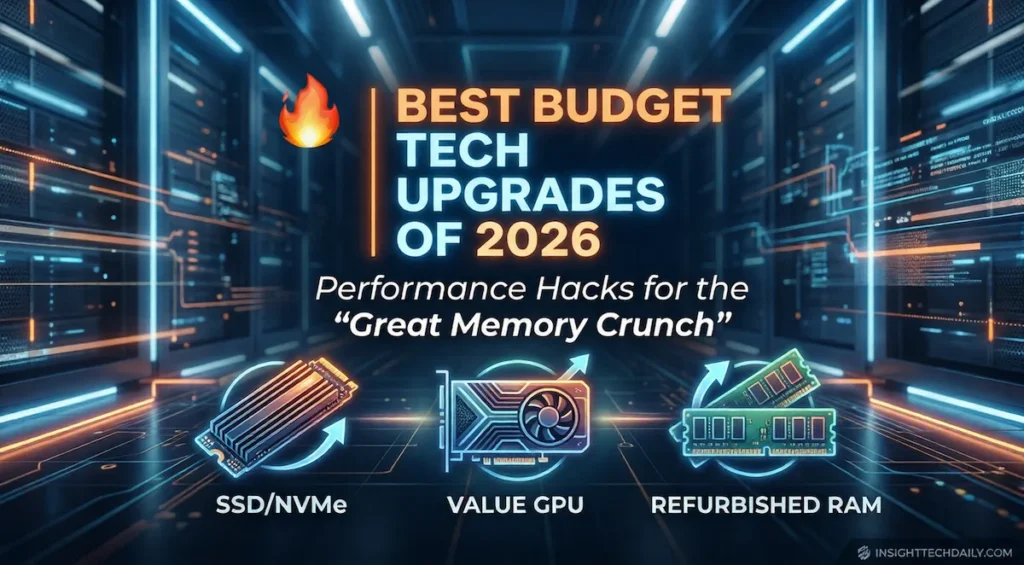
Best Budget Tech Upgrades in 2026 — What Actually Improves Performance (and What to Skip)
RAM prices may be volatile again, but that doesn’t mean upgrading your system has to be expensive.
Across 2025 and into 2026, one trend has become clear: not all upgrades deliver equal real-world performance. While memory pricing fluctuates due to AI and data center demand, other components continue to offer far better performance-per-dollar.
This guide focuses on what actually makes your system feel faster — not what looks good on a spec sheet.
SSD Upgrades — Still the Biggest Real-World Performance Boost
If your system still relies on a hard drive or early SATA SSD, this is the single most impactful upgrade you can make.
- Faster boot times
- Near-instant application launches
- Reduced game load times
- Significantly improved system responsiveness
Modern NVMe drives transform everyday usage — not just benchmarks.
What to look for in 2026
- Minimum 1TB capacity (2TB is becoming the new sweet spot)
- PCIe 4.0 for value, PCIe 5.0 only if pricing is competitive
- Thermal management (heatsink recommended)
RAM Upgrades — Only If You Actually Need It
RAM is still critical — but current pricing trends mean it’s no longer the default upgrade recommendation.
Upgrade RAM if:
- You regularly exceed 80–90% usage
- You run virtual machines or heavy creative workloads
- You’re below 16GB total system memory
Skip it for now if:
- You already have 16–32GB
- Your system feels slow due to storage, not memory
- You’re upgrading primarily for gaming
GPU Upgrades — Focus on Mid-Range Value
GPU pricing continues to be influenced by AI demand, making high-end cards harder to justify for most users.
The smart move in 2026: target mid-range GPUs with strong performance-per-dollar.
- Mid-range GPUs deliver the best balance of cost and performance
- Flagship cards are often disproportionately expensive
- Efficiency and thermals are improving in newer mid-tier models
For most users, the difference between mid-range and high-end GPUs is far smaller than the price gap suggests.
External NVMe Enclosures — High Utility, Low Cost
External NVMe enclosures are one of the most overlooked upgrades in modern PC setups.
- Fast external storage expansion
- Portable project drives for creators
- Simple backup solutions
- Cost-effective reuse of older NVMe drives
They offer flexibility without requiring a full system upgrade.
Mini PCs and NAS Systems — Alternative Upgrade Strategy
In some cases, upgrading your system isn’t the best value — replacing or supplementing it is.
- Mini PCs for low-power daily tasks
- NAS systems for storage and backups
- Home servers for media and file hosting
View mini PC and NAS options →
Smart Home Tech — High ROI, Low Cost
While core PC hardware pricing fluctuates, smart home devices remain one of the most affordable ways to improve daily tech experiences.
- Smart plugs and lighting
- Energy-saving automation
- Voice assistant integration
- Security and monitoring
2026 Upgrade Priority — What to Buy First
| Priority | Upgrade | Why It Matters |
|---|---|---|
| #1 | NVMe SSD | Largest real-world performance improvement |
| #2 | Mid-range GPU | Best balance of cost and performance |
| #3 | External storage | Flexible, low-cost expansion |
| #4 | Mini PC / NAS | Alternative upgrade path |
| #5 | RAM | Only if necessary |
Final Thoughts
Upgrading in 2026 is less about buying the newest hardware and more about avoiding overpriced components while targeting real performance gains.
SSDs, mid-range GPUs, and flexible storage solutions continue to deliver the strongest value — while RAM upgrades should be approached carefully.
Upgrade smarter, not more expensively.